Fall Sale · 50% off everything · ends Oct 31
For parents

If your child sent you this page, here's the honest version.

Bravo Tweaks makes Windows apps that adjust a PC's own settings so competitive games run more smoothly. It doesn't change the games themselves. Below is exactly what it does, what it doesn't do, what it costs, and a 20% parent discount if you decide it's right for your family.

No game files touched
Reversible
One-time price
1 PC per licence
// In plain words

What it actually does

Windows ships with general settings meant for every kind of computer. Bravo switches a set of them to suit gaming instead. That's it.

Input settings

Mouse and keyboard settings in Windows, such as pointer acceleration and how quickly input is handled, so controls feel more direct.

Power settings

Windows power plans and sleep states, so the PC doesn't throttle itself down in the middle of a game.

Background apps

Optional Windows extras and background tasks that compete with the game for the processor and memory.

Network settings

Windows networking options that affect how steady the connection is during online play.

What it never does
  • Never edits, injects into or replaces game files
  • Never reads or changes game memory
  • No kernel drivers or hooks into the game
  • Never touches your child's game account or saved progress
Every change can be undone

Each setting is shown on screen with a switch. The app saves the original value before changing anything, and Revert all puts everything back with one click. You can also create a Windows restore point from the app before applying anything.
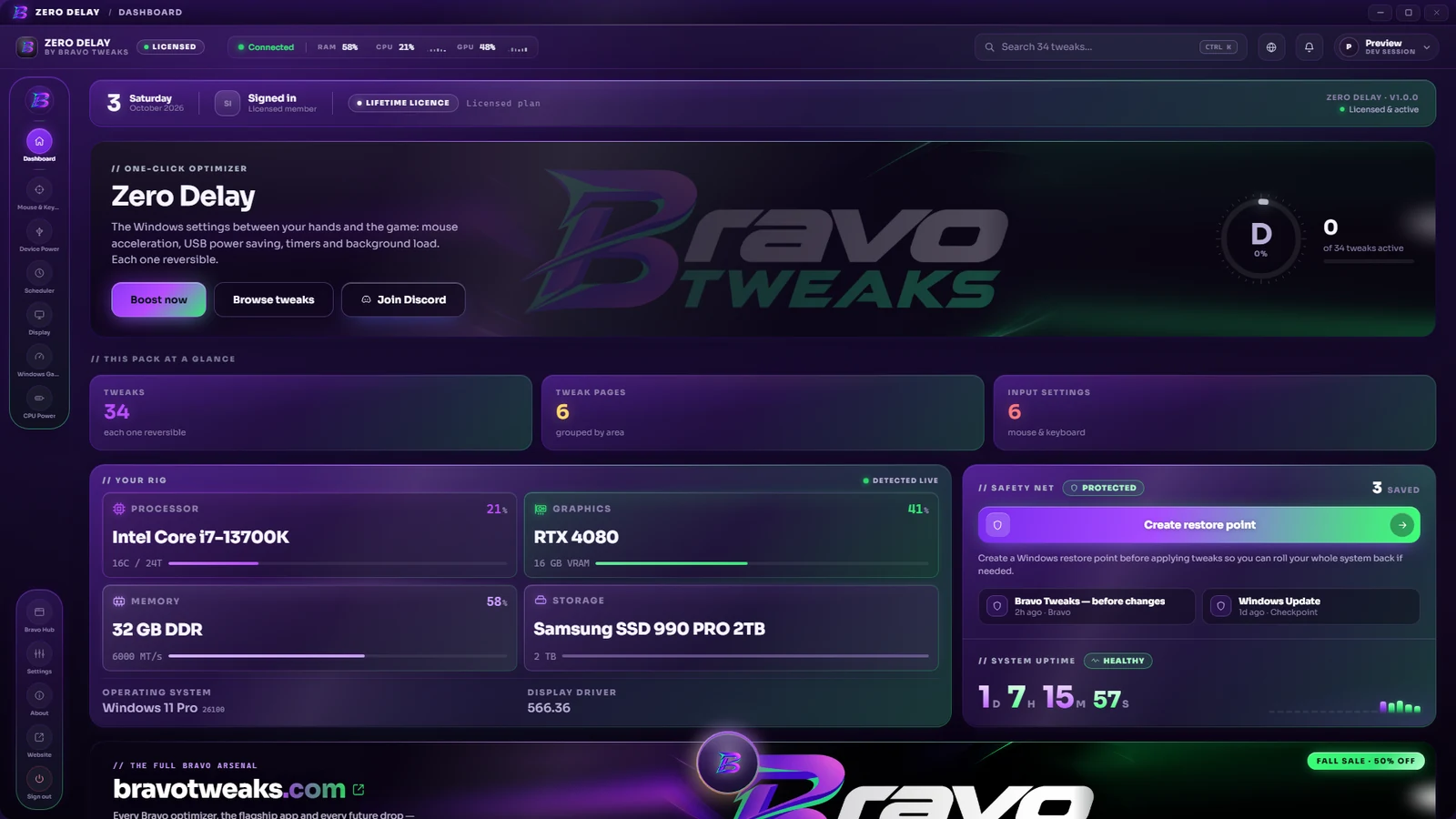
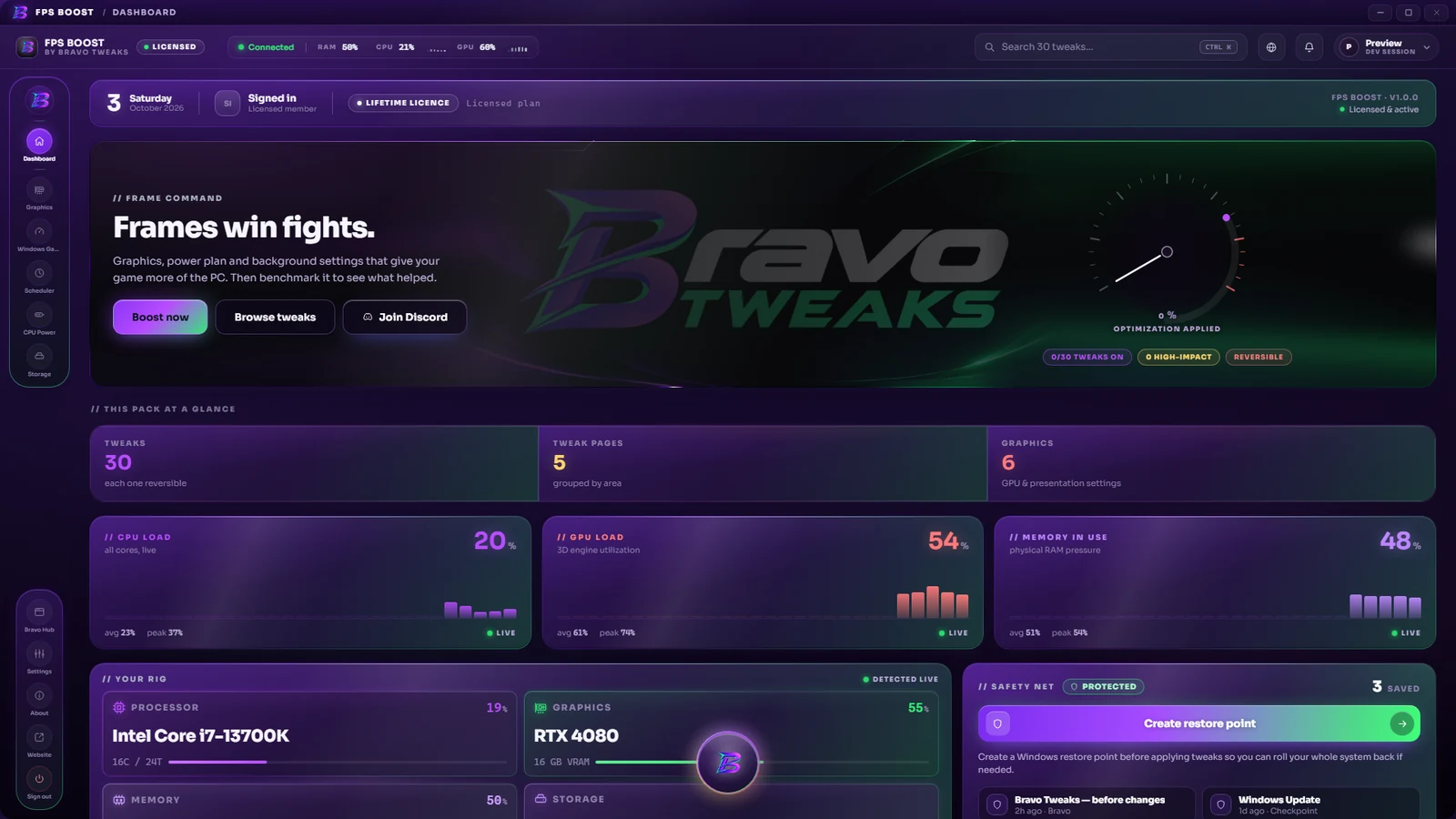
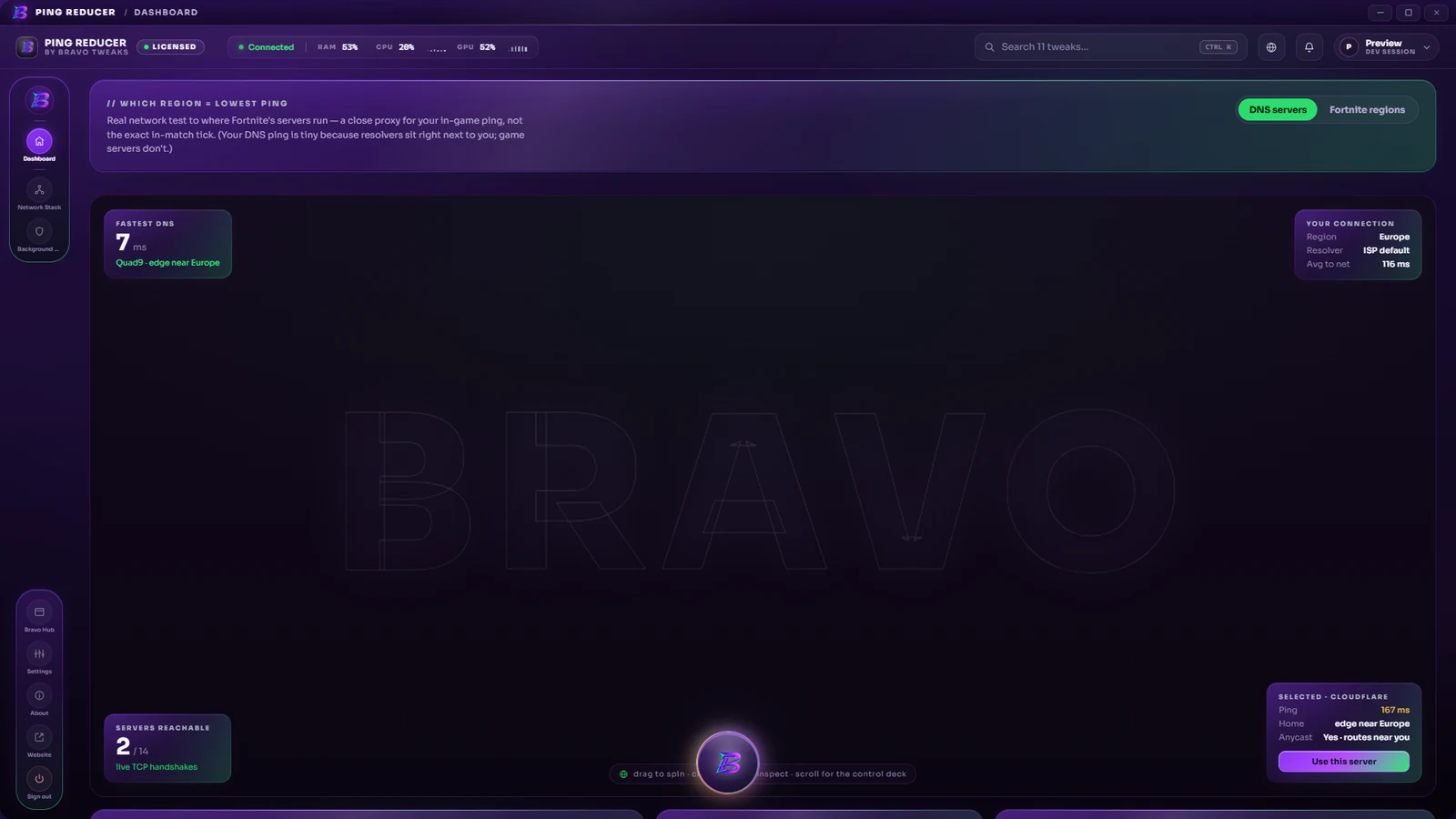
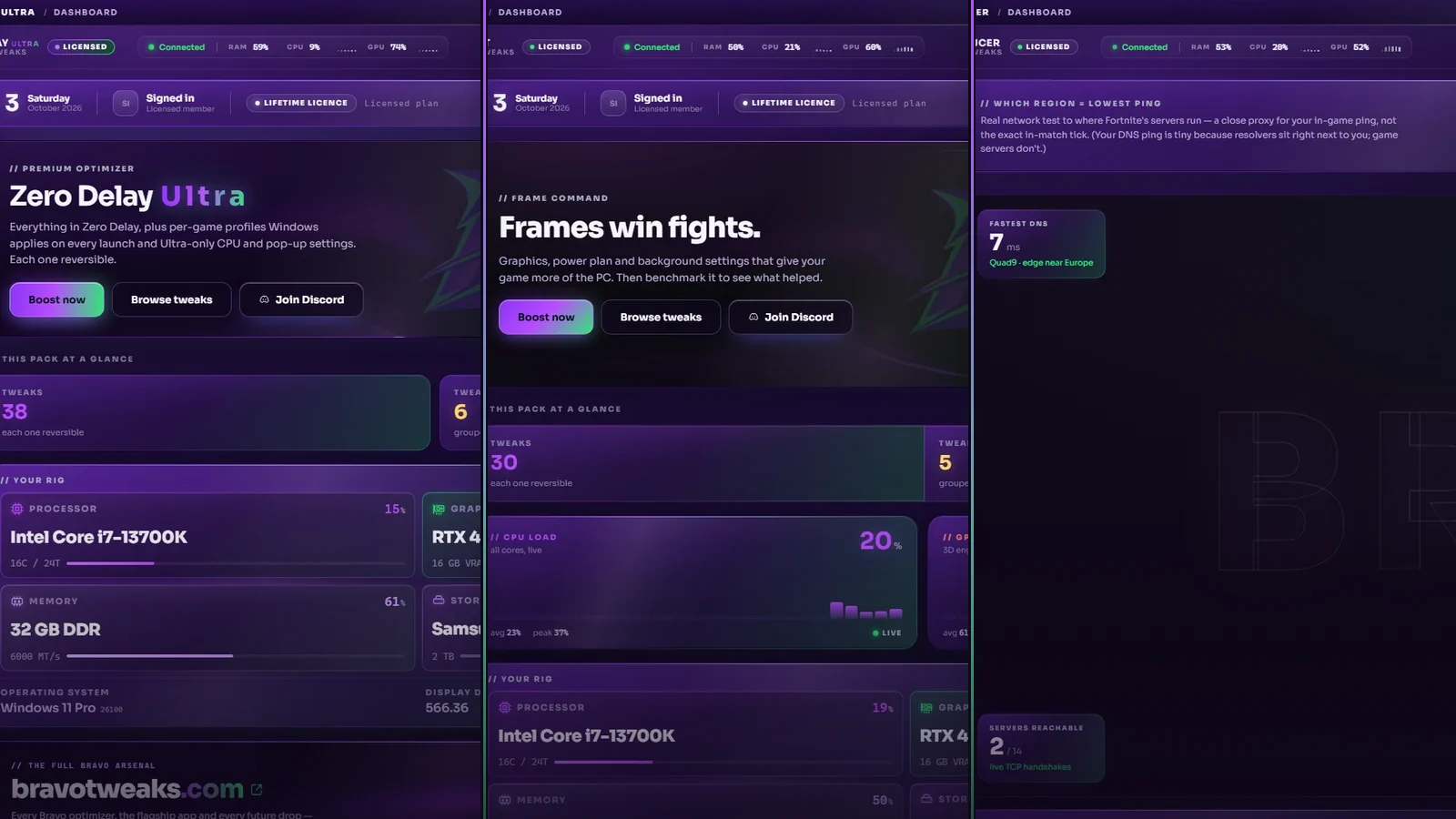
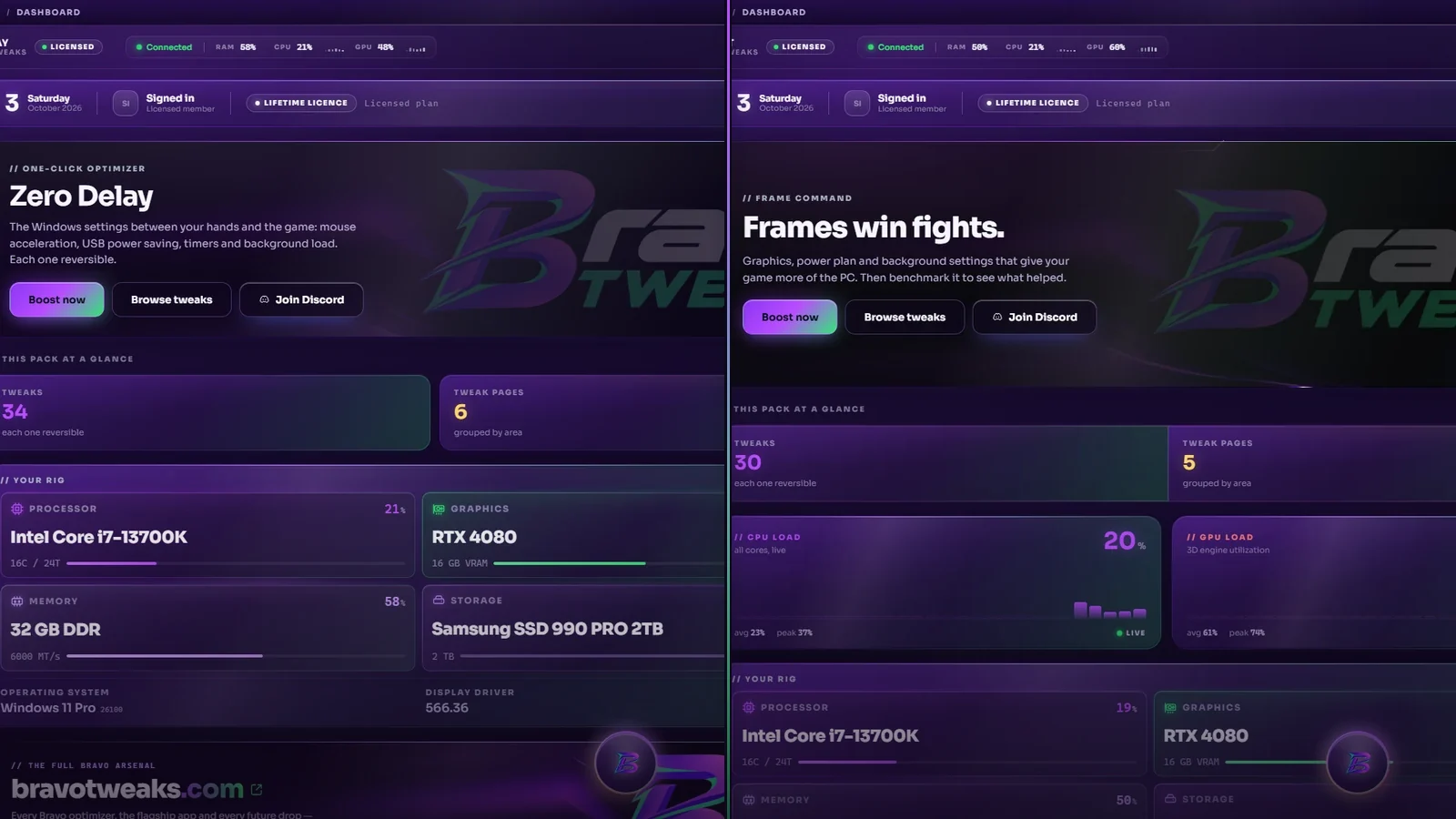
Real screenshots of the apps
Zero Delay: input settings, each one switchable on and off
FPS Boost: background apps and power settings
Ping Reducer: Windows network settings
// Questions parents ask

Is it safe?

Is this a cheat or a hack?
No. The PC apps recommended on this page don't change how the game plays: they can't see through walls, aim for anyone or alter the game in any way. It changes Windows settings such as power plans, services and registry options, so the PC runs the game more smoothly. In the larger bundles it also gives written BIOS and graphics-driver steps that you choose to apply yourself.
Could it get my child banned?
We can't promise anything on behalf of game companies, and nobody honestly can. What we can tell you is how it works: Bravo doesn't modify the game, its files or its memory, which is what anti-cheat systems look for. Each game sets its own rules, so if your child also uses the separate Macros app, it's worth checking that game's terms first.
What data do you collect?
In short: an email address for the purchase and licence key, and, when a key is activated, a one-way scrambled (hashed) device ID used only to keep each licence to one PC, plus the order details our checkout provider (Payhip) records, standard server logs, and a referral cookie if you came through a creator's link. We don't sell data and don't run advertising cookies. The full details are in our privacy policy.
Can the changes be undone?
Yes. The apps remember each setting's original value, and you can switch any tweak off or use Revert all to put everything back. You can also create a Windows restore point from the app before applying anything, as an extra safety net. The one exception is BIOS Optimization in the larger bundles, which gives step-by-step BIOS instructions that are undone by hand.
Is it a subscription?
No. It's a one-time payment with no renewals and nothing that charges again later. Each licence works on 1 PC.
Can I get a refund?
All sales are final because the product is delivered instantly, except where consumer law gives you rights that can't be waived, so please read what's included before buying. Billing mistakes and non-delivery are always fixed. Details are on the refund policy page.
Does it work on our computer?
It works on Windows 10 and 11 PCs. It does not work on consoles, Macs or Chromebooks. If you're unsure, our free FPS checker on the site shows what a PC needs before you spend anything.
// Parent discount
20% off for parents

Use this code at checkout to take 20% off your order.

PARENT20

One discount code per order. Paste it into the coupon or discount box at checkout, which shows the final price before you pay.

// Where to start

What we'd suggest

One-time prices, no subscription. Each licence works on 1 PC. If you're unsure, the Starter Pair is the smallest place to begin.
Starter Pair
Starter Pair
$14.99

The smallest starting point: two apps, input and smoother frames.

  • Zero Delay
  • FPS Boost
  • One-time, two keys
  • 1 PC each (HWID-locked)
Basic Bundle
Basic Bundle
$19.99

The three essentials: input, frames and a steadier connection.

  • Zero Delay Ultra
  • FPS Boost
  • Ping Reducer
Ultimate Bundle
Ultimate Bundle
$69.99

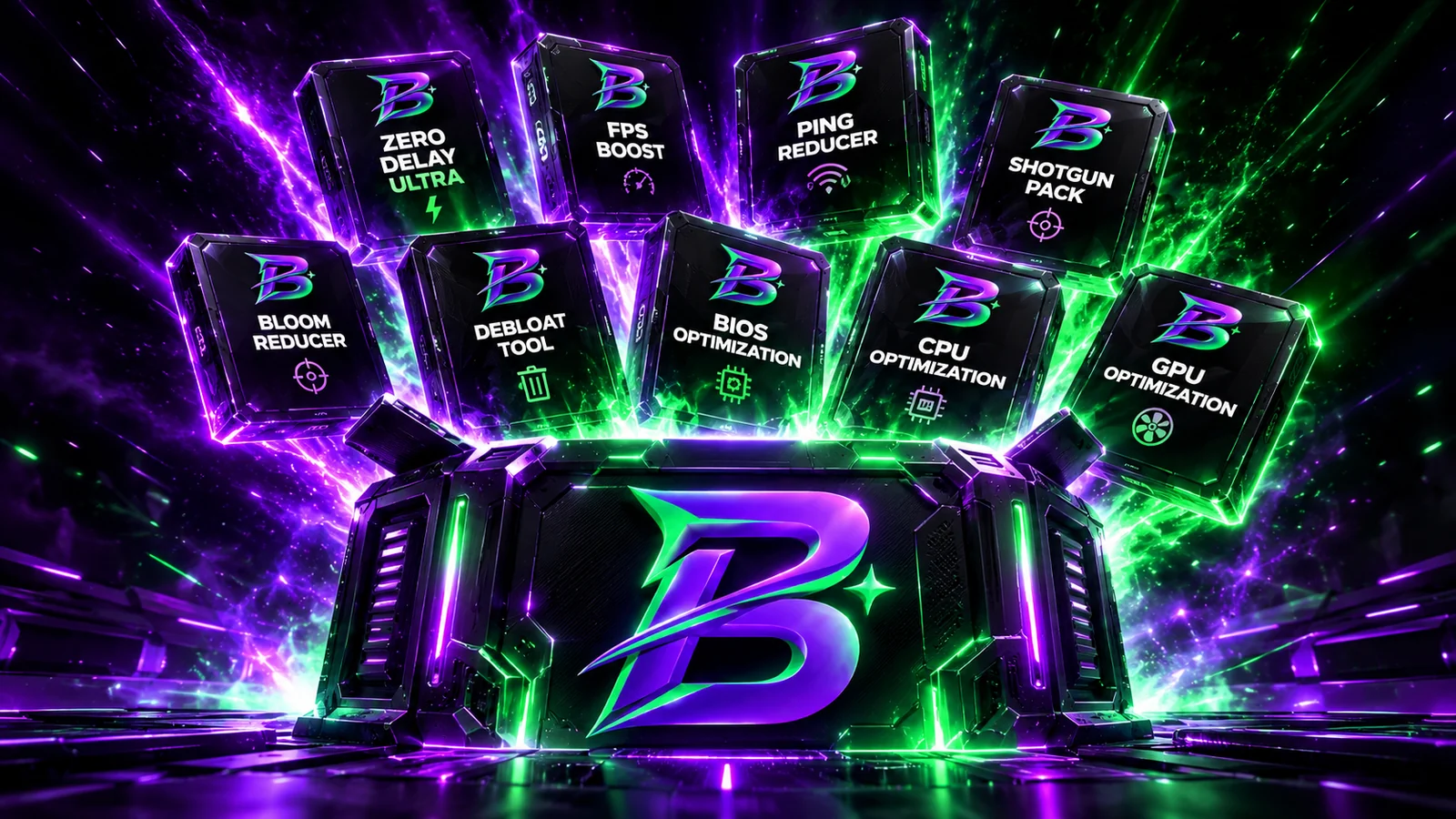
All nine PC tweak apps in one purchase, for a dedicated player. Macros is sold separately.

  • Bravo Tweaks Premium
  • Zero Delay Ultra · FPS Boost Ultra · Ping Reducer
  • Debloat · BIOS · CPU · GPU · Overclock
  • One-time · 1 PC (HWID-locked)
// Optional
Want to think it over?

Leave your email and we'll only send occasional updates about Bravo, like sales. Completely optional, and you can unsubscribe at any time.

// Questions?
Ask us directly

Email support@bravotweaks.com and a real person will answer before you buy anything. You can also read our full FAQ.

// For players

Send this to your parent

Want Bravo but someone else pays? Send them this page. It explains what the apps do in plain words and includes the PARENT20 code for 20% off. Let them decide in their own time.

Hi! I've been looking at Bravo Tweaks. It's a Windows app that adjusts PC settings so games run smoother, and it doesn't change any game files. They made a page for parents that explains how it works and whether it's safe. There's also a 20% off code (PARENT20) on it. No rush, have a look whenever you've got a minute: https://bravotweaks.com/parents
TextWhatsApp
Loading