


Rocket League tuned to win
Rocket League's physics tick at 120Hz and the skill ceiling lives in half-flips and pre-flips measured in single frames. It runs on anything — which is why the difference between setups is almost pure input latency and frame pacing.
Aerials feel different between sessions
Flip timing inconsistent despite stable FPS
Kickoffs feel lost before contact
The fixes that actually matter
240+ cap with pacing
More frames = fresher physics samples, but only if pacing is flat. Cap and pace beats uncapped chaos.
Deadzone + polling check
The stock in-game deadzone masks small aerial adjustments. Lower it in RL's controller settings until just above stick drift, and check what polling rate your controller really delivers.
Silence the background
RL's engine hates competition for the CPU. A debloated system removes the random micro-hitches.
Recommended: Starter Pair
RL is light — Zero Delay and FPS Boost cover the input latency and frame pacing it responds to.
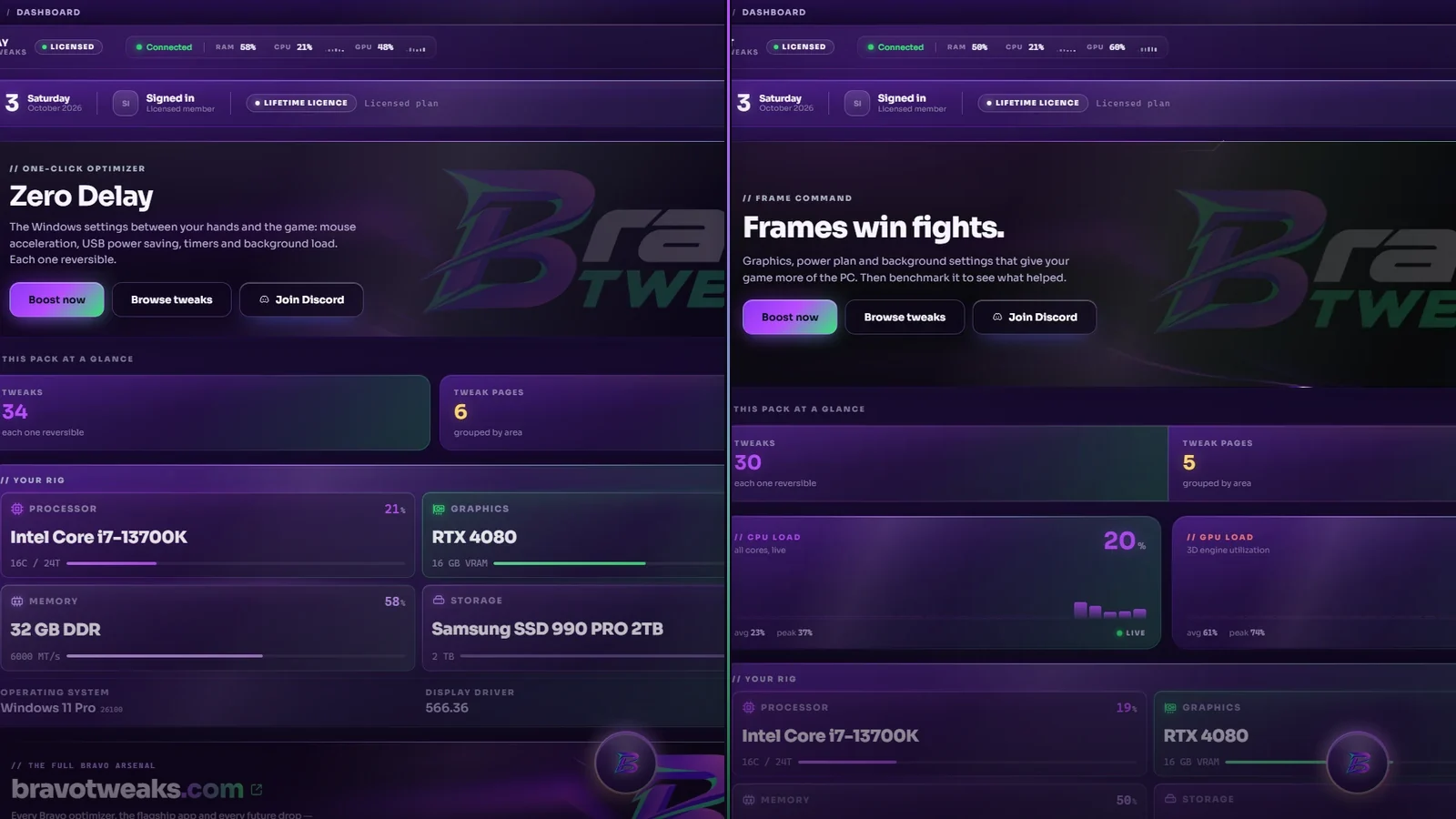
The starter duo: Zero Delay cleans up the input path and FPS Boost clears the way for steadier frames. Both apps, both lifetime, one price.
- Zero Delay
- FPS Boost
- One-time, two keys
- 1 PC each (HWID-locked)
Best for
Not sure? Run the 60-second FPS checker →