


PUBG tuned to win
PUBG's engine shows its age: single-thread bottlenecks, streaming hitches driving into cities, and famous early-game frame chaos on hot drops. It responds to system tuning better than almost any title because so much of its pain is OS-side.
Hot drops are a slideshow
Stutters driving into Pochinki every time
Frames fine until the final two circles
The fixes that actually matter
Single-thread headroom
PUBG leans on one or two cores. Core management + a quiet OS gives those cores everything.
Storage that stays awake
City-streaming hitches come from the drive. Keep the game on an SSD and stop drives idling to save power.
Stable net for the circles
Endgame PUBG is packet-dense. A wired connection and a bufferbloat check keep the final circle honest.
Recommended: Ultimate Bundle
Ultimate's CPU Optimization, BIOS Optimization and Debloat Tool feed PUBG's single-thread appetite.
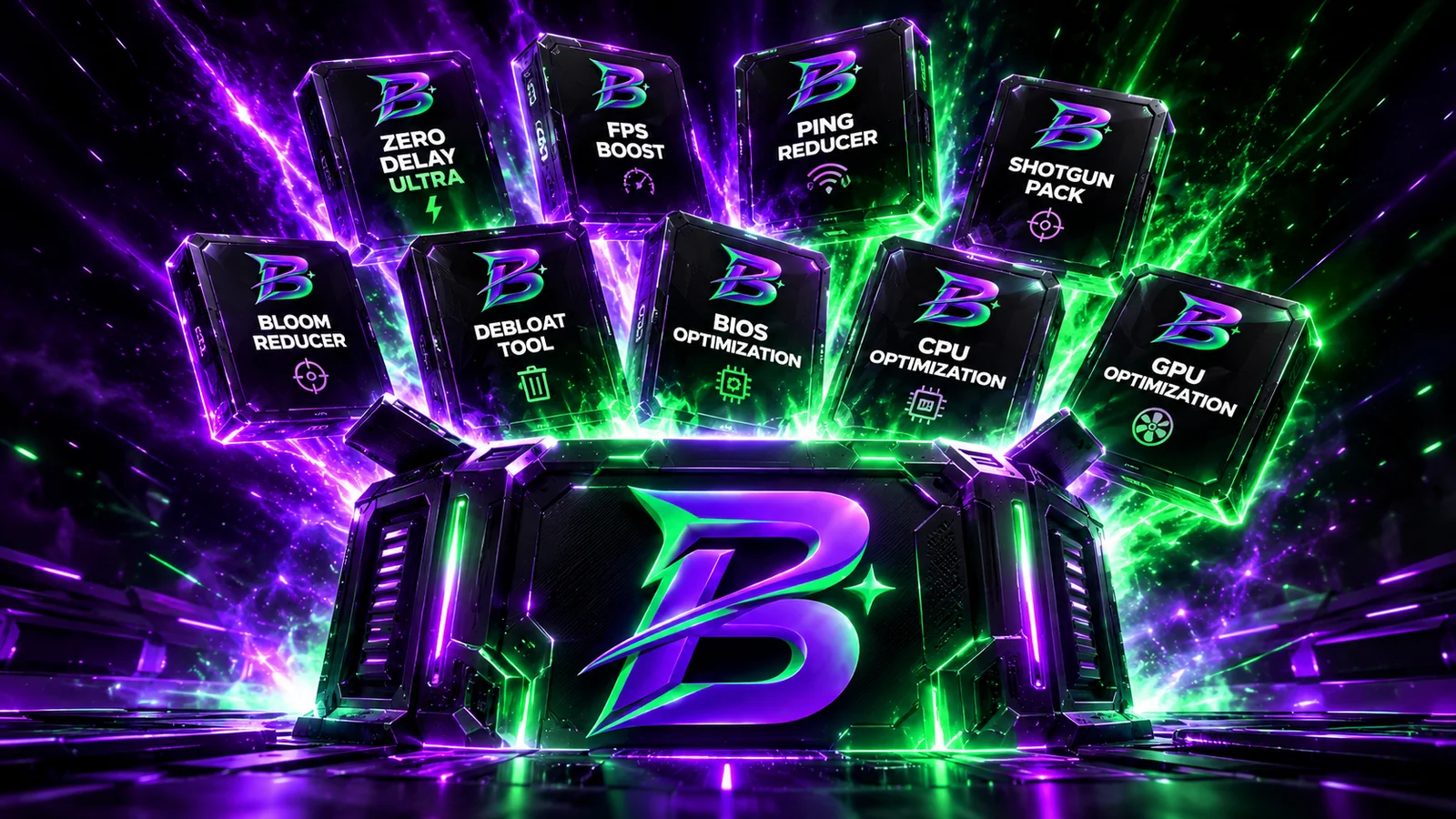
Nine apps, each with its own key: Bravo Tweaks Premium, Zero Delay Ultra, FPS Boost Ultra, Ping Reducer, Debloat Tool, BIOS Optimization, CPU Optimization, GPU Optimization and Overclock Pack. Turn on Include macros to add Macros Plus.
- Bravo Tweaks Premium
- Zero Delay Ultra · FPS Boost Ultra · Ping Reducer
- Debloat · BIOS · CPU · GPU · Overclock
- One-time · 1 PC (HWID-locked)
Not sure? Run the 60-second FPS checker →